
Description
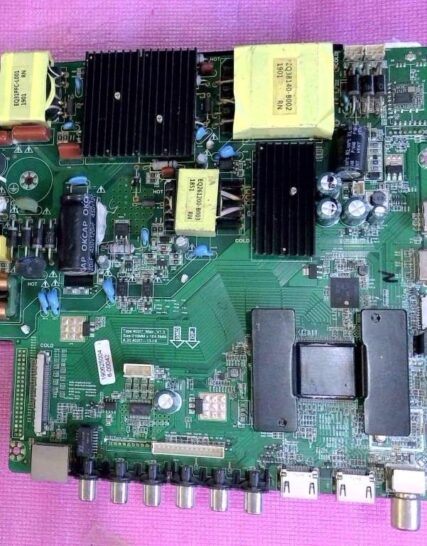
Board Number : TP.HV510.PC822
How to Use the
allupgrade_v510_sos.bin File- Format a USB Drive:
-
- Prepare a USB flash drive and format it to FAT32.
-
- Copy the File:
-
- Copy the
allupgrade_v510_sos.binfile directly into the root directory of the USB drive (do not place it inside a subfolder).
- Copy the
-
- Connect to the TV:
-
- Plug the USB drive into the TV’s USB port while the television is unplugged or powered off.
-
- Initiate the Update:
-
- Connect the TV main power plug to the wall outlet to start the flashing/upgrade process. Follow any on-screen prompts if applicable.
-


Reviews
There are no reviews yet.